
Here there are some new features and APIs from Android O (API 26), which are helpful to make the user experience much better & Android Application Developer feel more empowered. As a best Android Application developer, we need to be updated with all the features and can check what does this new API do for us.
1) Picture In Picture Mode (PIP):
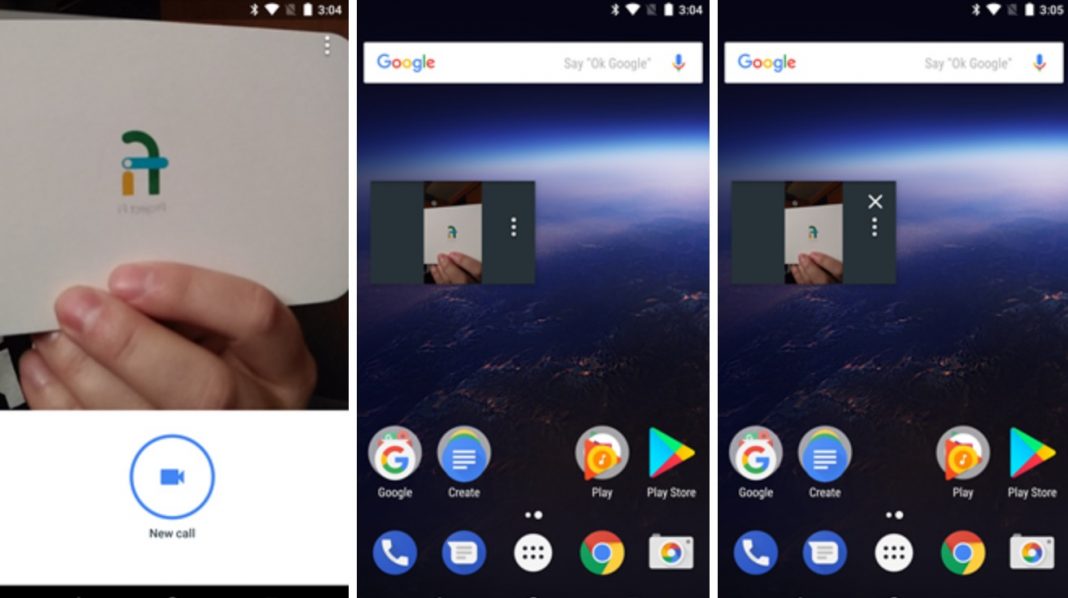
Picture in picture is one useful feature which helps the user to experience two apps simultaneously. It is already introduced in an Android TV previously, but now it is supported in other Android devices. PIP mode is mostly used for video chat app, or any app that contains video player.
When the app is in PIP mode, then your current activity is in onpause() mode so make sure you do not stop showing content on your onpause() instead, we can do that on onstop() mode.
To make Activity PIP Enable set android:supportsPictureInPicture = true in your manifest file
2 ) Notification:
New features in Notification section are introduced in API level 26.0.
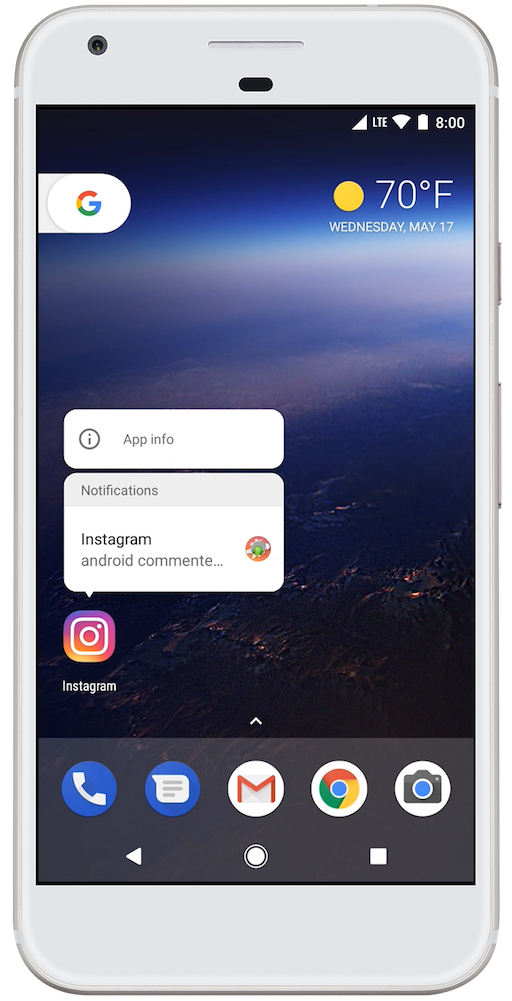
- Notification Dots : Display Dots of Badge Count of Notification on the Application Launcher Icon, from that android developer can know that there are some notifications for the app which are unseen.
- Notification timeouts : We can set Timeout for notification so that after some time it should be cancelled using setTimeOutAfter().
3 ) Fonts in XML:
Now we can give directly from the XML of Fonts, Fonts folder in res file and font file in Fonts folder, so no need to set Typeface fonts that are going to Compile from R. We can use it with @fonts/xyz Or R.fonts.xyz.
This feature is supported in API 14 or Higher.
4 ) Autosizing TextView :
Textview will resize its size as per Screen size and Contact so no need to take stress of what will be the right textSize for the Screens.
5 ) Adaptive Icons :
Adaptive icon can take Shape and Size as per the Devices and Models the Customization.
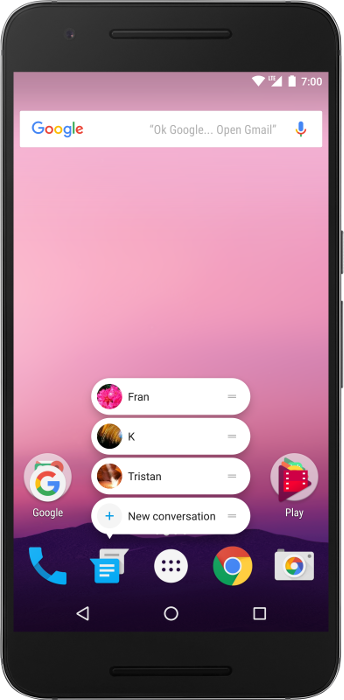
6 ) Pinning Shortcuts and Widgets :
With the Long press on the Launcher icon we can set multiple intents for the same application.
7 ) Multi-display Support :
If activity supports multi window mode then user can move to another display with multi display support. So basically we can give different display to same activity at a time. When display gets changed we can specify the changes in OnConfigurationChanged() method.
8 ) App Categories :
Specify the Application Category in which it belongs which will be displayed in the Cluster or Group of app. With that we can specify that app is for Data usage, Battery usage or Storage usage. To give category we have to give android:appCategory attribute in your manifest tag.
Our Android application development company in NYC is recognized for their technical skills and are consolidated with their hands-on experience. 9series absolutely delivers their clients a professional and efficient service with their proven track records.